

























Important Product Recall Information
Please click below to get more information. If you have any further questions, please reach out to us at any time through.
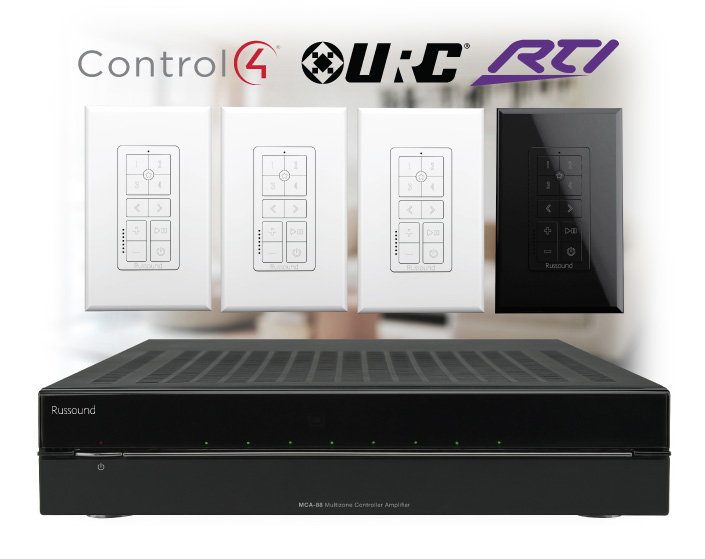
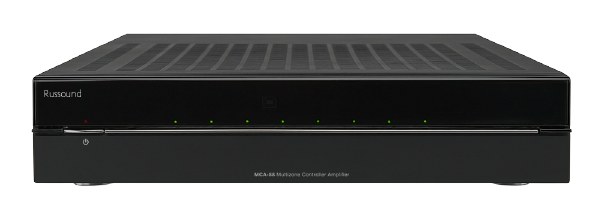
MCA-88 Recall
AW70V6 Recall
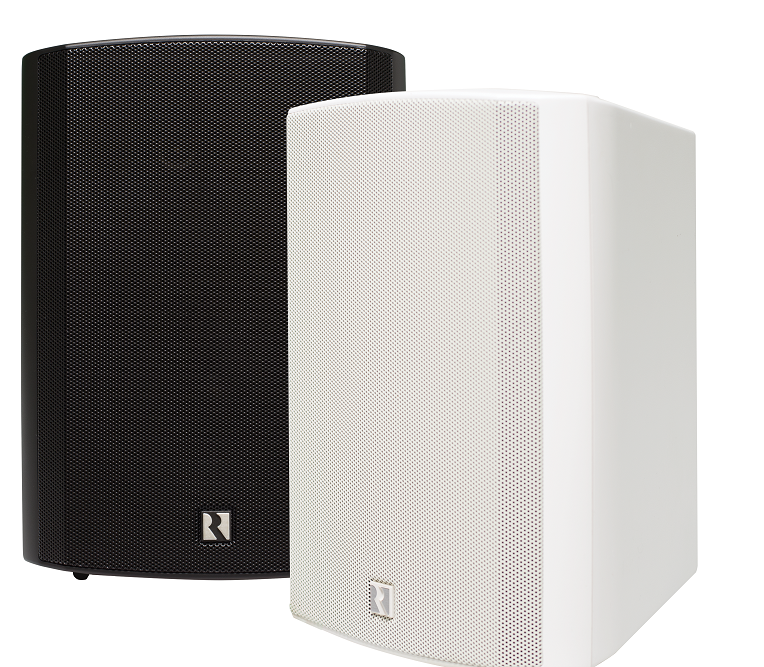
AW70V6 Recall - Consumers and End Users
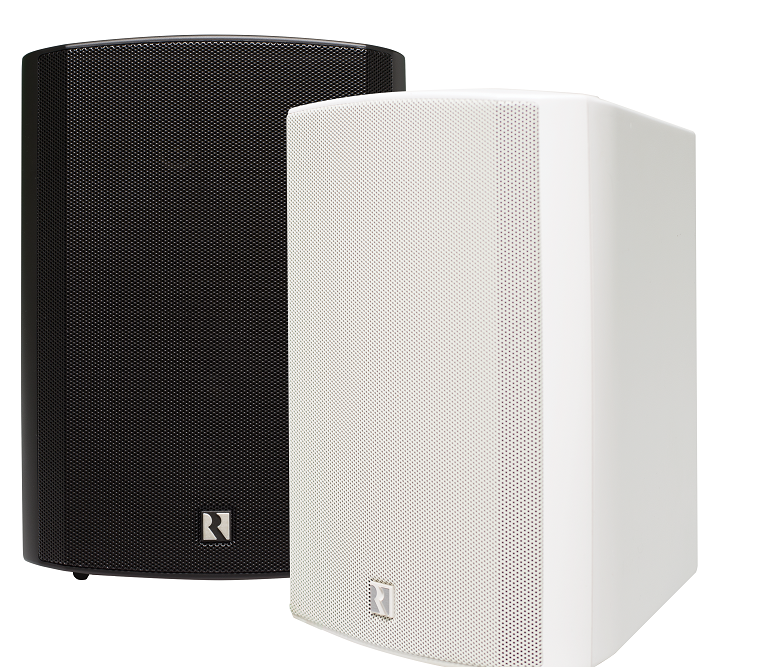
Thank you for your cooperation as we work with the US Consumer Product Safety Commission to facilitate this product recall of your Russound AW70V6 loudspeakers.
The general process is that you will follow some simple steps to permanently disable your recalled speakers and send us a photo showing us that they have been disabled, the model and serial number information and we will ship your replacement speakers to you free of charge.
The most important part of the recall is making sure that the original AW70V6 loudspeakers are permanently disabled so that they cannot be used again. Therefore you will be asked to take some simple steps to disable the speakers and to send us a quick photo to confirm this for our records and for reporting to the CPSC.
In order to process your replacement speaker order, we’ll ask you to follow this simple 3-step process:
Step 1) Fill out the form below with your name and shipping address
Step 2) Disable the speakers following the instruction in the Frequently Asked Questions section below and send a photo (both speakers of the pair can be in the same photo) that shows the disabled rear connectors, the model name information and a legible serial number
Step 3) We’ll ship out your replacement speakers to you at the address you provided.
Frequently Asked Questions
- What needs to be in the picture I send to you?
We need to see the rear of each speaker showing this area. You can have more than one speaker in the photo as long as we can clearly see the serial numbers for each.
Here’s the specific area we need to see on each disabled speaker (after disabling them, the black and red connectors will no longer be present):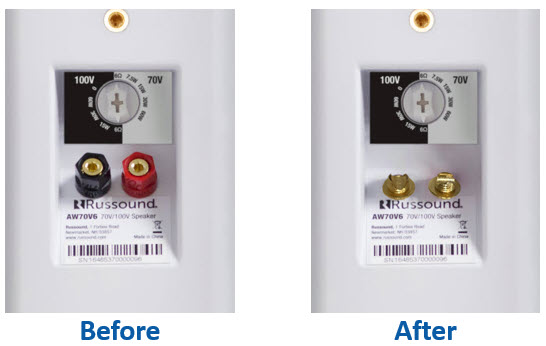
- How do I disable the recalled speakers?
Follow these simple steps:
1. Loosen the red and black plastic binding post caps on the rear of the speaker until they hit the thread stop and can’t loosen any further.
2. Using a 13mm box end wrench (you can substitute with vise grips, channel lock pliers, etc), place the wrench on the plastic cap and push down toward the bottom of the speaker until the binding post snaps off.
3. Repeat so that both connectors have been disabled on each speaker.
4. Take a photo of the broken binding posts making certain the model label and serial number are legible in the photo. - What if I have a question about this process?
You can email us at or call us at 800-638-8055 (M-F from 9:00AM to 5:00 PM)
To get started:
Fill out this form so that we can get your replacement speakers on the way to you as quickly as possible.
AW70V6 Recall - Russound Dealers or Installers
Thank you for your cooperation as we work with the US Consumer Product Safety Commission to facilitate this product recall of Russound AW70V6 loudspeakers.
The general process is that Russound will send you replacement pair(s) of AW70V6mk2 loudspeakers for your customers. The most important part of the recall is making sure that the original AW70V6 loudspeakers are permanently disabled so that they cannot be used again. Therefore you will be asked to do some simple steps to disable the speakers and to send us a quick photo to confirm this for our records and for reporting to the CPSC.
In order to process your replacement speaker order, we’ll ask you to follow this simple 3-step process:
Step 1) Fill out the form below with your name and company information and let us know how many pairs of AW70V6 your customers have in both black and white versions.
Step 2 We’ll ship out replacement speakers to you so that you can take a single trip to each job site to replace the speakers. These will be invoiced to you with 30-day payment terms so that you have 30 days to replace the speakers, disable them and send us the pictures for our records for the CPSC.
Step 3) Once you replace the AW70V6, you will disable them in a simple process and take a picture of the rear product label showing the serial number and the disabled connectors. We will then credit the invoice for the speakers so that you won’t be charged for the replacement speakers.
Frequently Asked Questions
- Why am I being charged for the replacement speakers? Issuing an invoice for the replacement speakers has the following benefits:
- It allows us to ship out replacement speakers in advance so that you can replace the recalled AW70V6 in a single trip.
- It is a great reminder to make sure to document that you have disabled the speakers by requiring you to send us the picture of the disabled speaker in order for the invoice to be credited.
- It helps to make sure that the recall does what is intended…replacing the recalled products and ensuring that they recalled products are disabled and can’t be used again. The photo we require of the disabled speakers will be used for our compliance reporting with the CPSC.
- What do I need to do to get the invoice credited so that I am not billed for the replacement speakers? What if I have a question about this process?
Simply replace the recalled speakers and disable the rear speaker connectors. Once disabled, take a clear picture of the rear of the speakers showing the disabled connectors, the model name label and the serial number. You can use a single picture for each pair of speakers.
Here’s the area we need to see on each speaker: - How do I disable the recalled speakers?
Follow these simple steps:
1. Loosen the red and black plastic binding post caps on the rear of the speaker until they hit the thread stop and can’t loosen any further.
2. Using a 13mm box end wrench (you can substitute with vise grips, channel lock pliers, etc), place the wrench on the plastic cap and push down toward the bottom of the speaker until the binding post snaps off.
3. Repeat so that both connectors have been disabled on each speaker.
4. Take a photo of the broken binding posts making certain the model label and serial number are legible in the photo.
5. Email the photo to so that we can credit your invoice.
To get started:
Fill out this form so that we can get your replacement speakers on the way to you as quickly as possible.


Discover Russound Products
